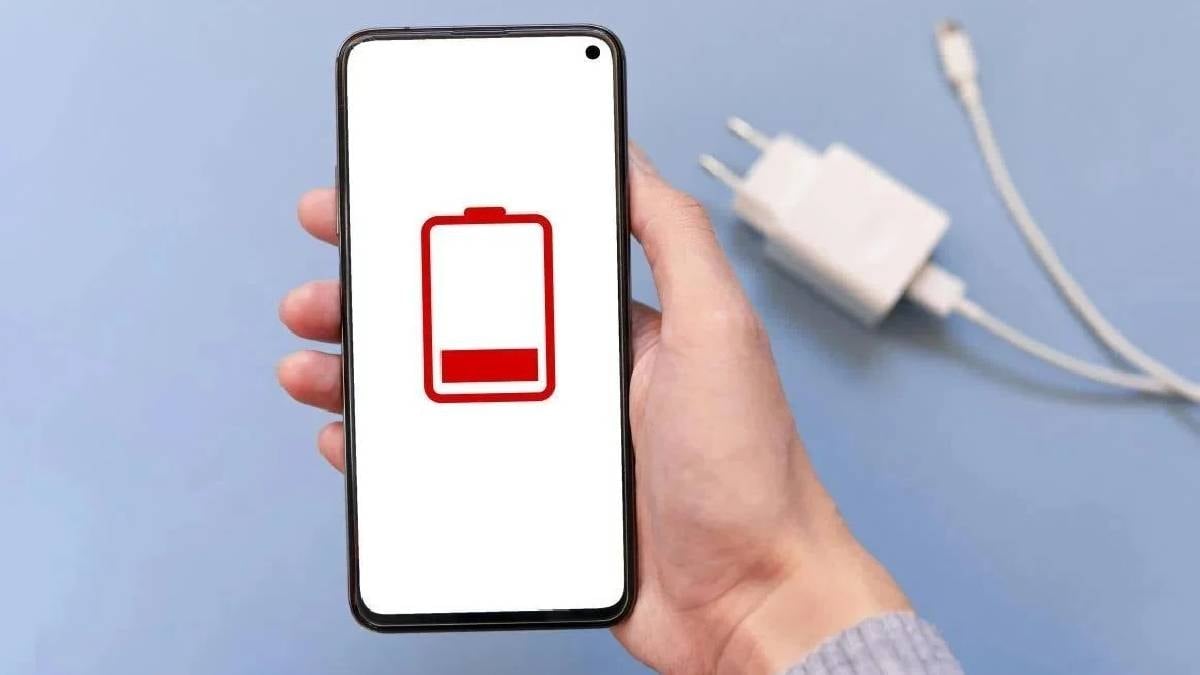
Smartphone battery life. It's the bane of modern existence, isn't it? You're out and about, relying on your trusty Android to navigate, communicate, and maybe even catch a few Pokémon, only to see that dreaded low battery warning flashing before your eyes. We've all been there. But before you resign yourself to carrying a portable charger everywhere, know this: experts say you can potentially *double* your battery life without downloading a single app.
Smartphone Battery Doubles With ONE Click? Users S...
Modern Android phones are powerhouses, no doubt. But all that processing power and those gorgeous, vibrant displays come at a cost: rapid battery drain. What's interesting is that sometimes this isn't necessarily a sign of an aging battery. More often than not, the culprit is actually hidden within your phone's settings, silently sucking the life out of your device. Incorrect configurations can literally halve your battery performance, even if your battery is perfectly healthy.
So, what are the secrets to unlocking longer battery life? First up: ditch the "Always On Display." Yes, it's convenient to glance at your phone and see the time and your notifications without unlocking it. But that convenience comes at a price. Even though it's optimized, this feature constantly needs power to keep those screen sensors working. Particularly on AMOLED screens, where individual pixels are always subtly active, it's a slow but steady drain. To disable it, simply head to Settings → Display → Always On Display and toggle it off. Trust me, you'll notice the difference.
Next, embrace the dark side... or, more accurately, Dark Mode. What was once a visual preference is now widely recognized as a battery-saving superpower. On phones with OLED or AMOLED screens, black pixels don't emit any light, meaning energy consumption is practically zero. Switching to a dark theme not only minimizes power consumption but also reduces eye strain, especially in the evenings. You can usually activate it in Settings → Display → Dark theme, and even schedule it to turn on automatically at sunset. I personally love this feature; my eyes and my battery thank me!
Finally, and perhaps most importantly, tame those background apps. Many apps are constantly syncing data, tracking your location, and updating content, even when you're not actively using them. It's like a constant, low-level energy leak. Android allows you to manually restrict background activity for each app. Go to Apps → App battery usage and disable background permissions for resource-hungry apps like Telegram, Discord, and those ever-present social media platforms. You'll be surprised how much of a difference this makes.
A word of warning: experts also advise against installing third-party "optimization" apps that promise to save battery life. Ironically, these apps often drain the battery *faster* because they're constantly running in the background themselves. In addition to these tips, consider turning off automatic synchronization for unused accounts, reducing the screen refresh rate, and only enabling Bluetooth and GPS when you need them. With a few simple tweaks, you can significantly extend your phone's usage time without resorting to restrictive "power saving mode." So, go forth and reclaim your battery life!
Comments
Please sign in with Google to post a comment
No comments yet. Be the first to comment!