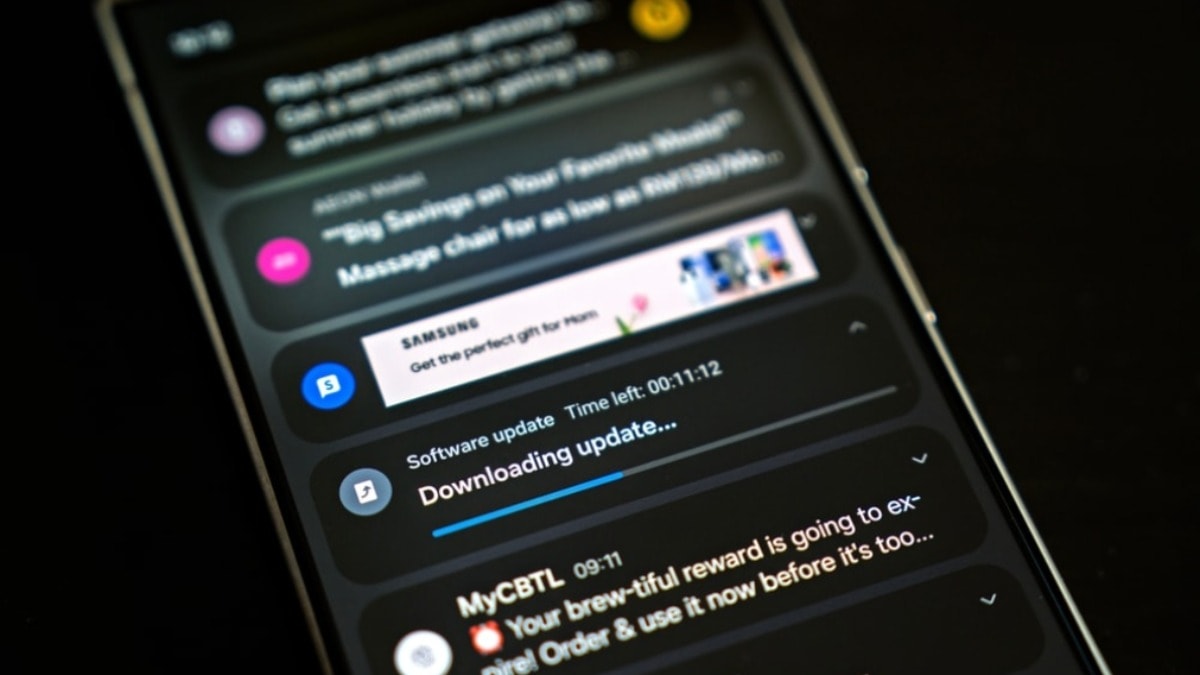
Android users, have you ever experienced that sinking feeling? You glance at your phone, see a notification, and then *poof* – it's gone. Maybe you swiped it away accidentally, maybe you hit "Clear All" a little too enthusiastically. Whatever the reason, that nagging feeling of "what was that about?" lingers. Well, it turns out Android has a built-in solution to this frustrating problem, and it's been hiding in plain sight.
Android Users Stunned! This Hidden Feature Changes...
The feature, called "Notification History," diligently logs all the notifications your phone receives. I've accidentally swiped away important emails before, and knowing there's a safety net for those moments is a huge relief. This isn't some third-party app requiring shady permissions; it's baked right into the Android operating system itself. The really surprising part? It's disabled by default. Why Google keeps such a useful tool hidden away is a mystery, but hey, at least it's there.
Think about it: how many times have you reflexively cleared all your notifications, only to immediately regret it? With Notification History enabled, you can simply go back and review everything that's come through. Accidentally dismissed alerts, even those swept away in the "Clear all" tsunami, are all accessible. You can even tap on them to jump straight back to the relevant app, saving you precious time and mental energy.
Enabling it is incredibly simple. Just navigate to Settings > Notifications > Advanced Settings > Notification History and flip the switch. It literally takes seconds. From that moment on, your phone will start keeping track of your notifications. It's like having a little digital assistant silently recording everything that tries to grab your attention. It's a great way to become more mindful of how you are spending your time on your device.
Now, a couple of important caveats. Firstly, Notification History isn't a time machine. It won't magically retrieve notifications from before you turned it on. It only starts working from the moment you enable it. Secondly, if you disable the feature, all your recorded history is deleted, gone for good. So, think carefully before turning it off.
Interestingly, Samsung users get an extra perk thanks to their Good Lock app and the NotiStar module. While the standard Android Notification History keeps records for only 24 hours, NotiStar lets you extend that to 7 days, 30 days, 6 months, or even a full year. That's a massive advantage for those who need to keep track of notifications for longer periods, especially for work or important personal matters. I have to admit, as a Samsung user, I appreciate that added flexibility.
So, if you're tired of those "doh!" moments after accidentally dismissing a notification, head into your settings and enable Notification History. It's a small change that can make a big difference in your daily Android experience. You might be surprised at just how many things are vying for your attention throughout the day, and this is a simple way to keep track of it all.
Comments
Please sign in with Google to post a comment
No comments yet. Be the first to comment!